Status
Confirmed
LitVM has announced the launch of the LiteForge testnet. You can participate by testing the ecosystem to be eligible for rewards in the future 1. Go to the website and connect your wallet. Add the network to your wallet and request test tokens 2. Transfer zkLTC from the LiteForge network to the Sepolia network and back 3. Open the Lester
Status
Confirmed
Tasks
2
Difficulty
Medium
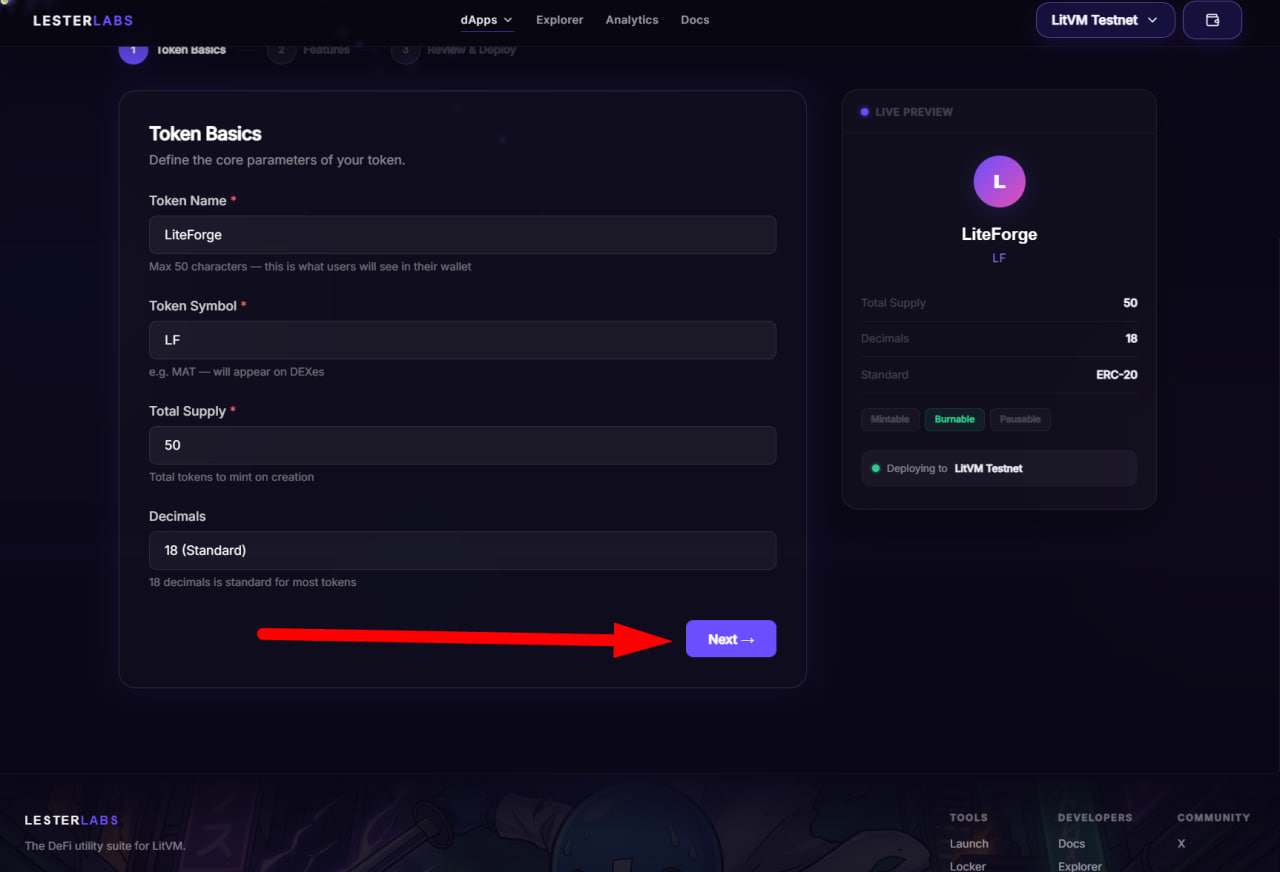
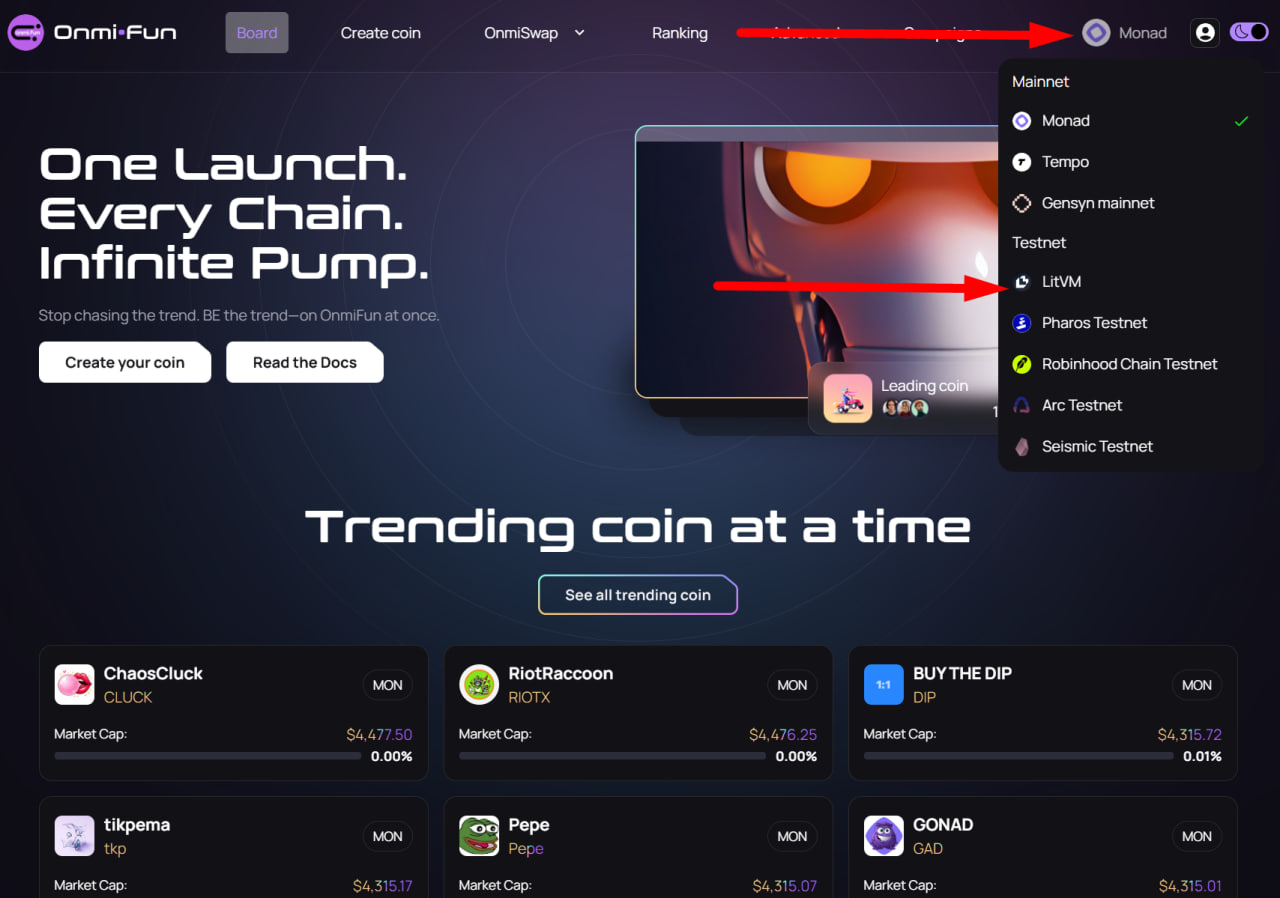
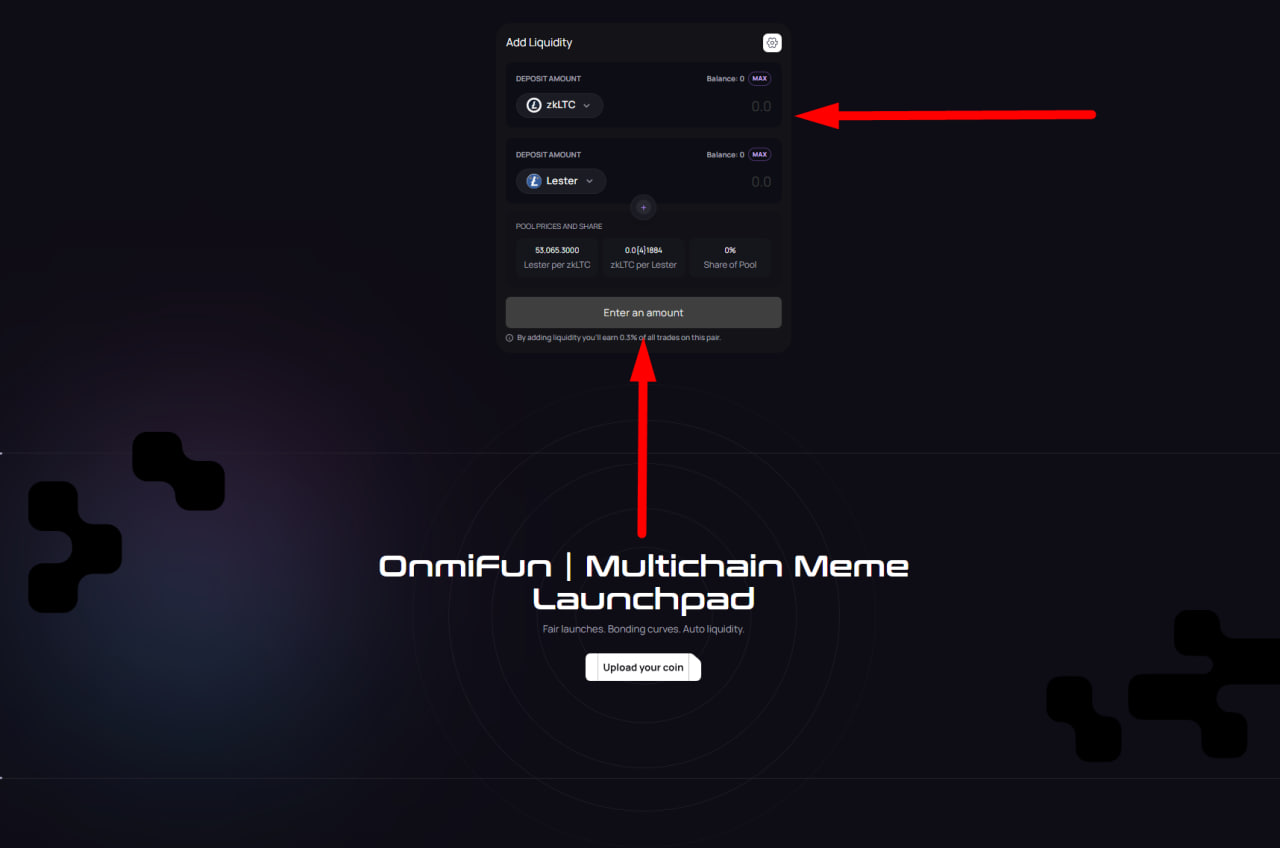
LitVM has announced the launch of the LiteForge testnet. You can participate by testing the ecosystem to be eligible for rewards in the future 1. Go to the website and connect your wallet. Add the network to your wallet and request test tokens 2. Transfer zkLTC from the LiteForge network to the Sepolia network and back 3. Open the LesterLabs platform and connect your wallet 4. Fill in the details and run the token 5. Go to the Midas Predict platform and connect your wallet 6. Request test tokens 7. Go to the list of markets, select the one you like, and place a bet on one of the outcomes 8. Open the Omni platform and connect your wallet. Select the LitVM network 9. On the Create Token tab, fill in the details and upload an image, then launchi the token 10. Make a few swaps in the Swap tab 11. Add assets to the liquidity pool 12. Go to the Campaign tab and complete the available tasks 14. Open the Ayni platform and connect your wallet. Exchange zkLTC for wzkLTC 15. Click the "Supply" button and supply your tokens 16. Go to the Arkada platform , connect your wallet, and complete the daily wallet verification on the network to increase your active days and transactions






The LitVM OmniQuest campaign, "Power the Future of Litecoin," is now available on the Galxe platform. You can complete social tasks and take a quiz to earn loyalty points. 1. Go to the website and connect your wallet. Start completing tasks 2. The tasks include the LitVM Layer-2 Mastery quiz. Answers : B, B, B, B
